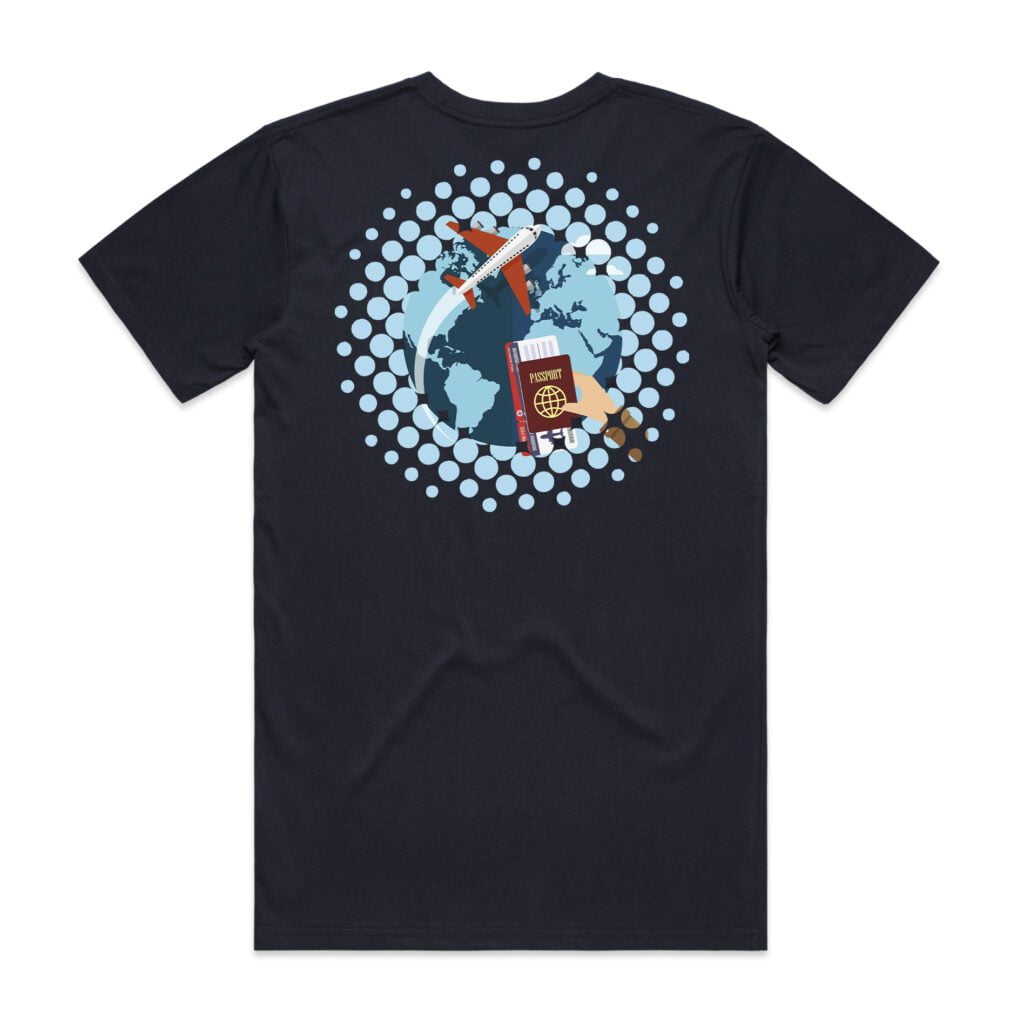
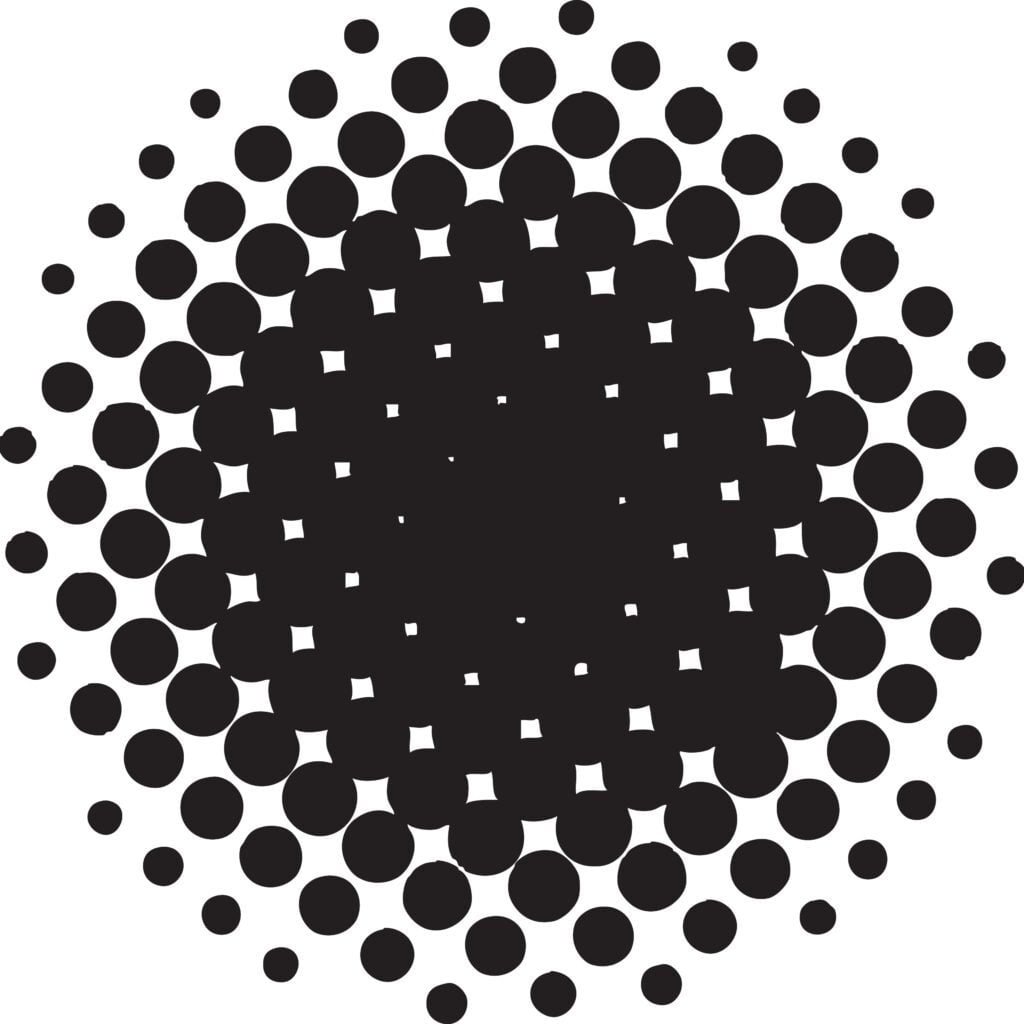
In traditional printing, halftones are used to reproduce tone through patterns of dots. In DTF printing, the word is often used more practically: it describes a pattern, mask or raster effect that removes selected parts of a transfer before printing.
This matters because a DTF transfer is not just colour ink. It usually includes colour ink, white underbase, adhesive powder and the finished transfer layer. If a large design is printed as one solid block, the shirt can feel warmer, stiffer and less breathable. A halftone helps reduce that effect.
Less print coverage
The transfer no longer sits as one complete printed panel across the garment.
Softer garment feel
Large artwork can feel more flexible because less of the fabric is covered.
Better wearability
A large back print or front graphic can feel more premium when it is not a solid block.
How a halftone changes the artwork
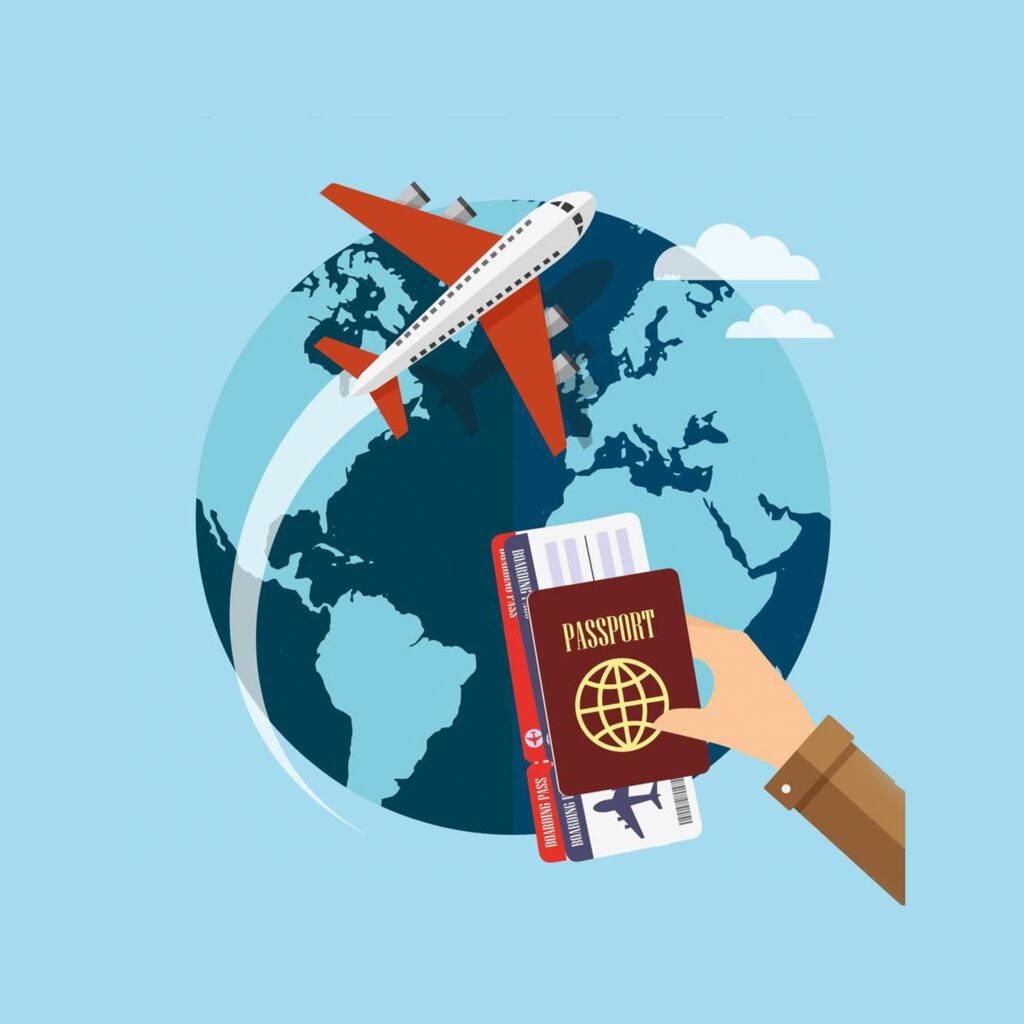
The easiest way to understand the process is to compare the original artwork, the halftone mask and the final artwork after the effect has been applied.
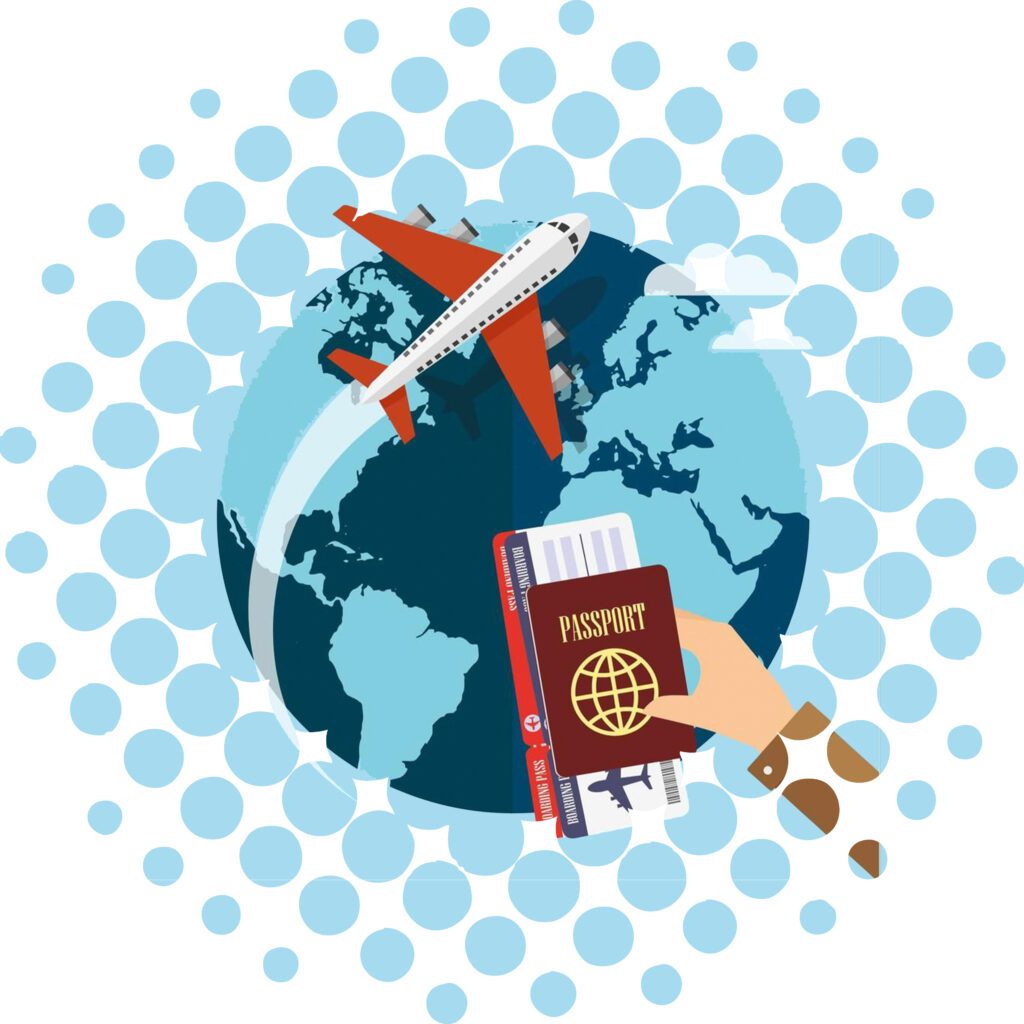
The difference is most obvious on large prints
Halftones are especially useful for large back prints, oversized front graphics and designs with large solid colour areas.
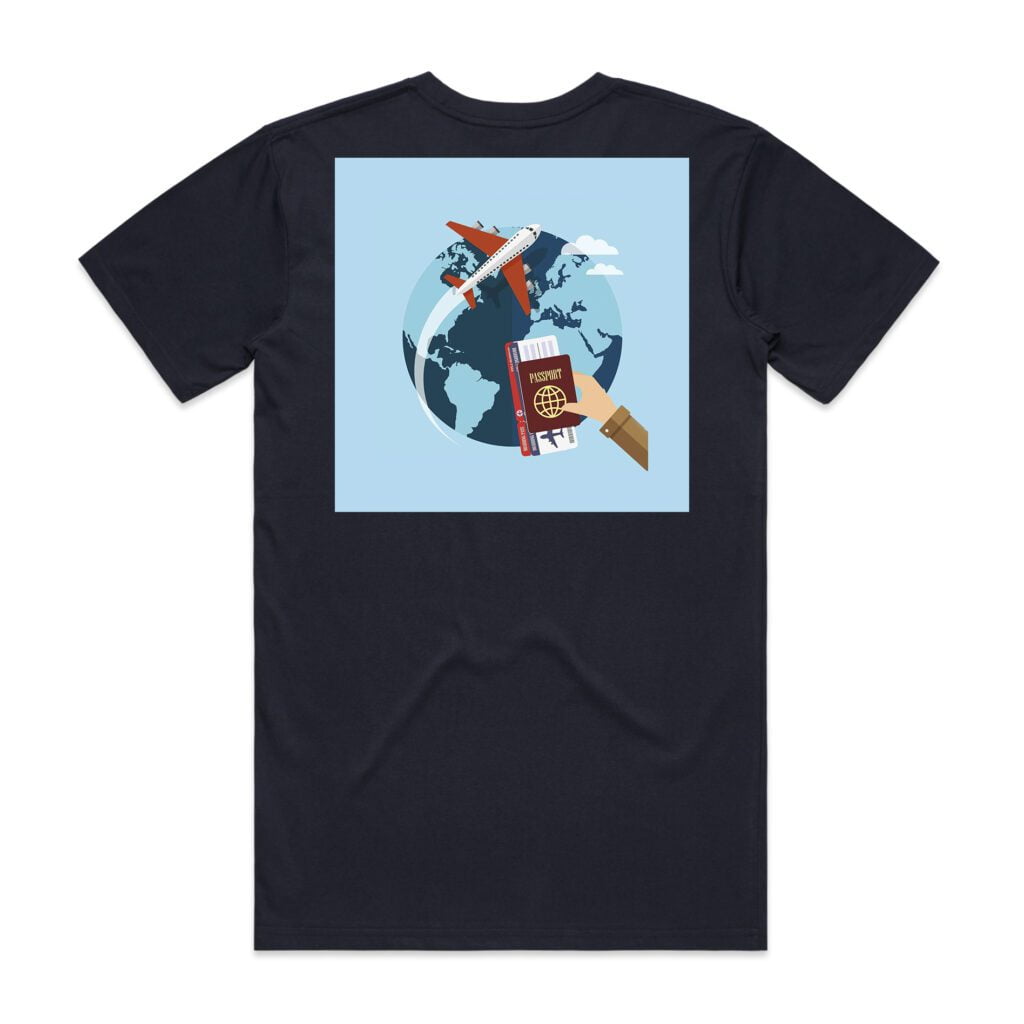
When halftones work well
Use halftones when the print is large enough that comfort, breathability and flexibility matter.
- Large back prints
- Oversized front graphics
- Streetwear artwork
- Full-colour illustrations
- Artwork with large solid areas
- Designs where a softer garment feel is important
When to be careful
Halftones can reduce clarity if the artwork relies on small detail or clean solid edges.
- Small chest logos
- Fine text
- Thin line artwork
- Corporate brand marks
- Detailed faces or portraits
- Artwork that must remain completely solid
Choosing the right halftone style
Not every halftone looks or feels the same. Dot size, spacing, density and placement all affect the result.
| Halftone setting | What it changes | DTF printing advice |
|---|---|---|
| Dot size | How visible the effect appears | Larger dots look more graphic. Smaller dots can look more subtle but may not suit every workflow. |
| Spacing | How much print is removed | More spacing can improve feel, but too much spacing can weaken the design. |
| Density | How much artwork remains printed | Use lighter removal for detailed artwork and stronger removal for bold artwork. |
| Placement | Which parts stay visible | Keep faces, logos and key text away from aggressive removal areas. |
How to apply a halftone in the editor
The exact editor layout may change over time, but the general process is to upload your artwork, choose a mask, adjust the artwork and check the sheet before ordering.
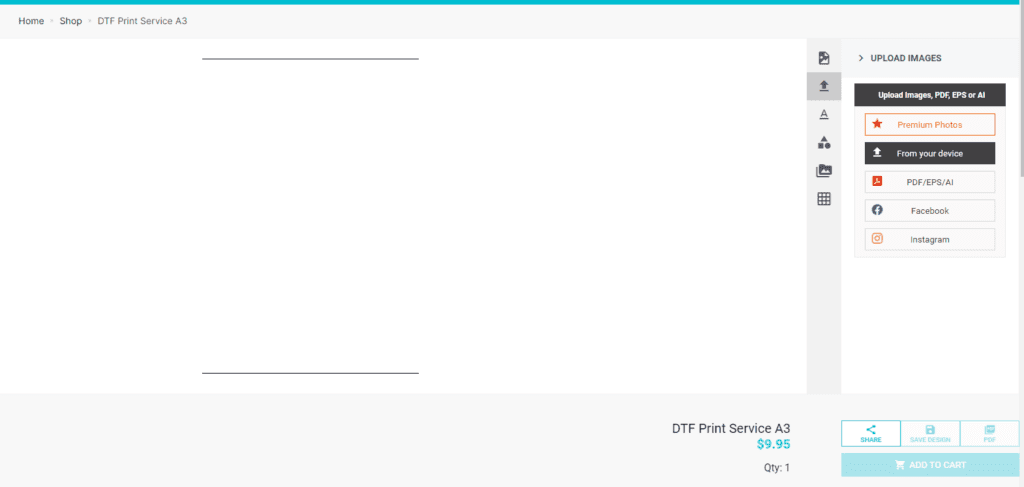
Step 1: Upload your artwork
Start with a clean, high-resolution file. PNG is usually better than JPG when transparent backgrounds matter.
Step 2: Choose a suitable mask
Choose a halftone or raster mask that suits the artwork size and level of detail.
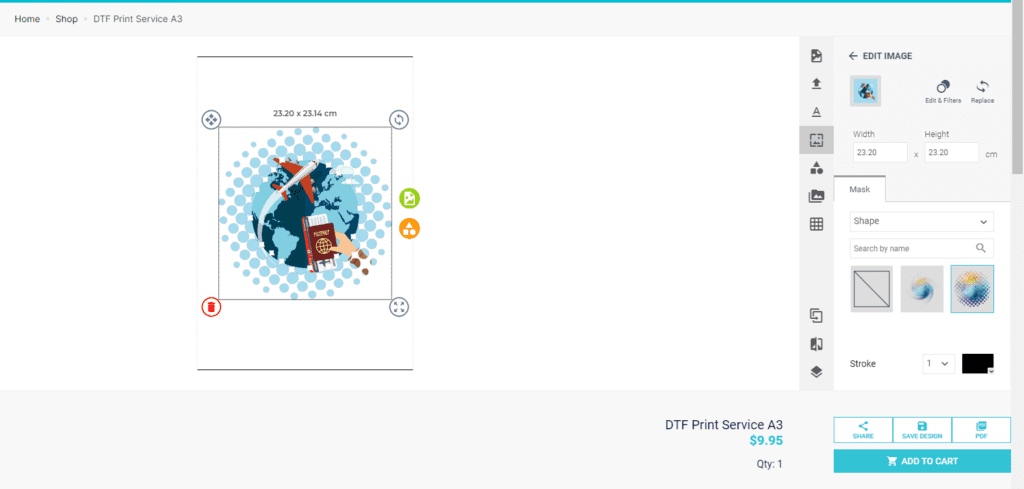
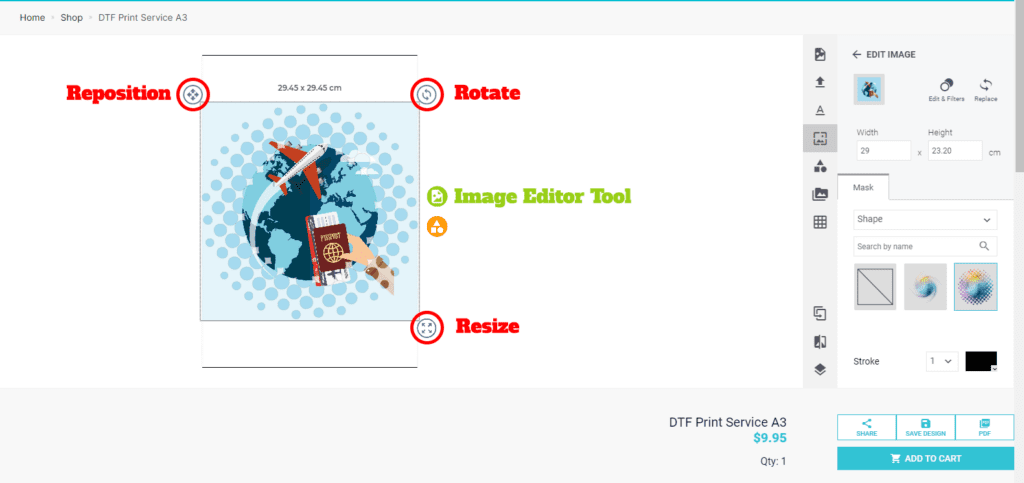
Step 3: Reposition the design
Move or resize the artwork inside the mask so important parts of the image remain visible.
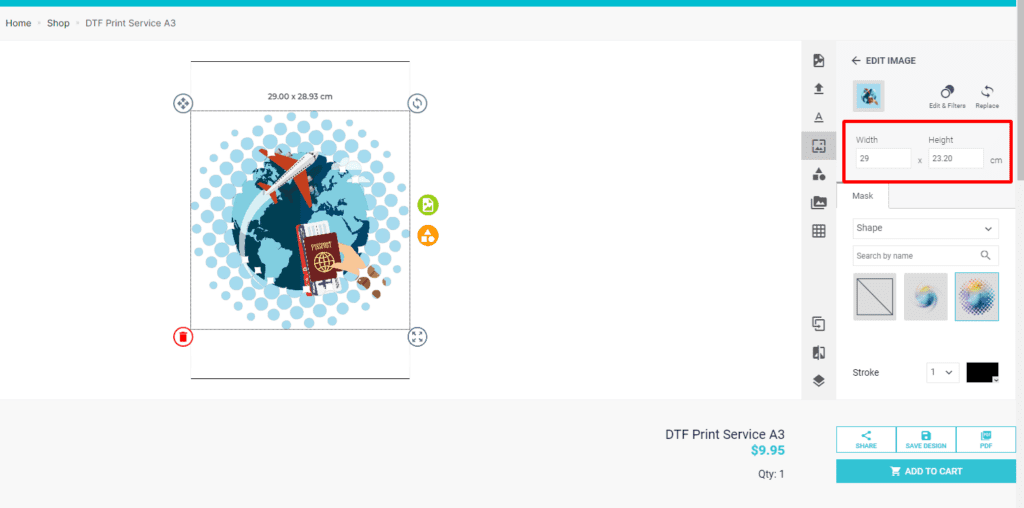
Step 4: Set the final print size
Use the dimension fields to set the correct print size. Keep the artwork proportions locked unless you have edited the file properly in design software.
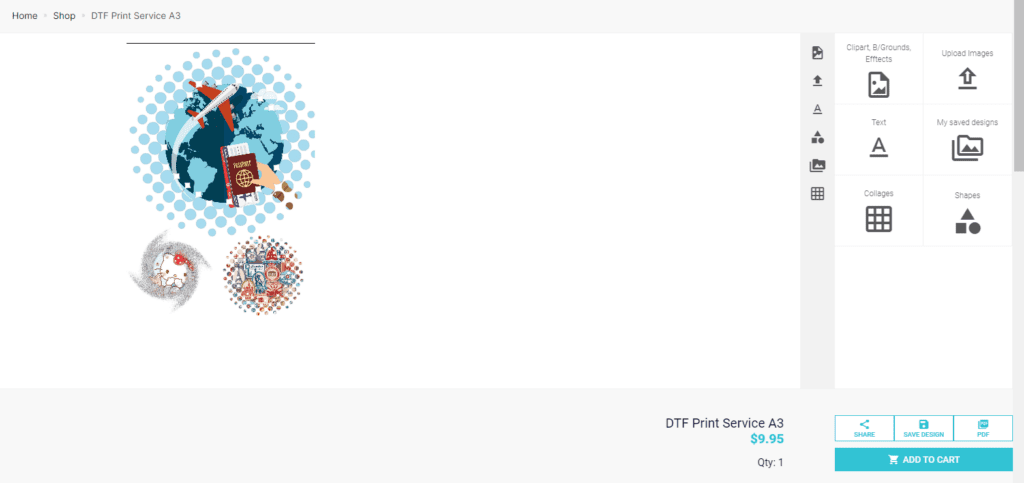
Step 5: Check the sheet before ordering
Before checkout, review the final artwork carefully. Check size, spacing, transparency and whether the mask has removed any important details.
Use the current DTF print services
Older DTF Store articles may mention discontinued widths or older builder products. For current ordering, use the DTF Printing Services category, including current 600mm and 900mm options where available.
Useful resources
These internal and external resources can help you understand halftones, DTF artwork setup and better transfer results.
Final thoughts
Halftones are a smart way to improve the feel of large DTF transfers, but they need to be used with intention. The best results come from good artwork, suitable halftone settings, correct sizing and proper pressing.
For clothing brands, large back prints and full-colour garment designs, a well-prepared halftone can help create a more premium and comfortable finished product.