
Direct to Film printing can produce strong colour, good durability and excellent detail, but large solid transfers can still feel heavier than the garment fabric itself.
Colour knockout helps reduce that feeling by removing a colour from the print file and letting the shirt provide that colour naturally. When used correctly, this can improve breathability, reduce print weight and create a softer finished garment.
Less printed area
Removing a matching garment colour reduces the amount of ink and adhesive on the shirt.
Softer garment feel
The transfer can feel less intrusive because more of the garment remains uncovered.
Better breathability
Transparent areas allow the shirt fabric to show through instead of being covered by a solid transfer.
What is colour knockout in DTF printing?
Colour knockout means removing one or more colours from the artwork file before printing. Those areas become transparent, so the garment colour replaces that part of the design.
Why it works
If the shirt is black, you may not need to print black ink in some parts of the design. If the shirt is white, you may not need to print white in selected areas. This reduces print coverage while keeping the design visually correct.
When it works best
- Simple logos with solid colours
- Artwork being printed onto a known garment colour
- Large areas of black, white or single-colour fill
- Designs where a softer print feel is important
- Orders where garment colour will stay consistent
Using the DTF Store logo as an example
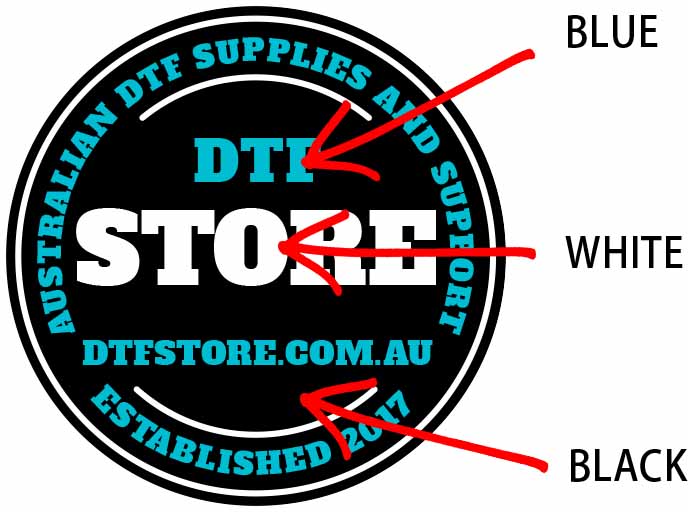
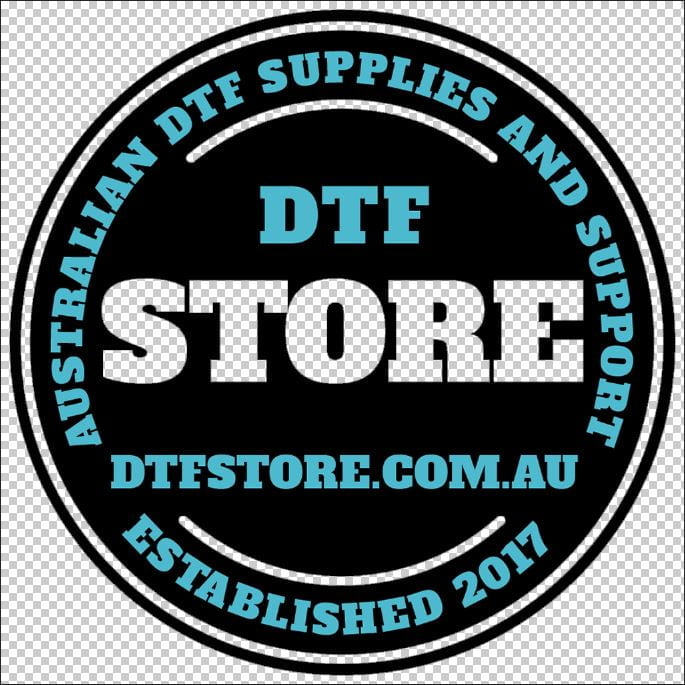
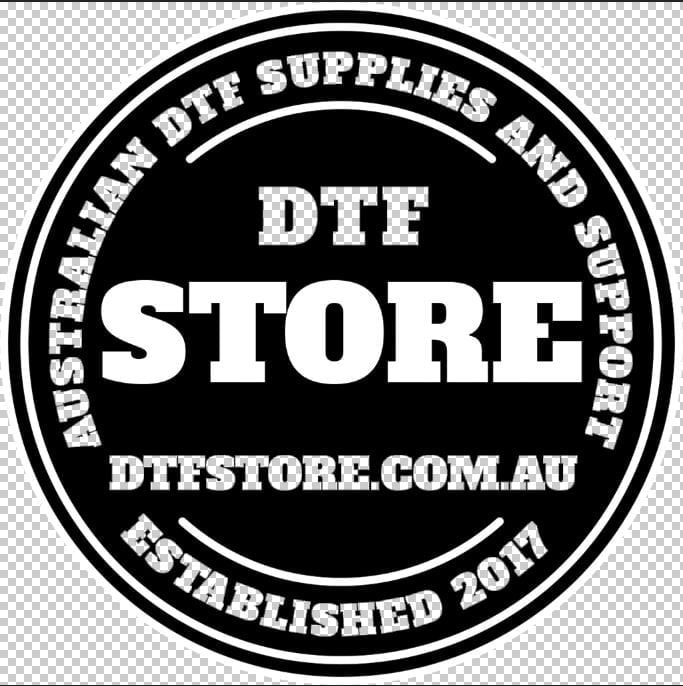
The DTF Store logo includes black, white and blue. This makes it useful for showing how different colours can be removed depending on the garment colour.
Which colour should be knocked out?
The colour you remove should normally match the garment colour. This allows the fabric to provide that part of the design naturally.
Best use cases
Colour knockout works best when the garment colour is known and consistent.
- Black artwork on black shirts
- White artwork on white shirts
- Simple logo designs
- Large colour blocks
- Brand merch printed on one garment colour
- Artwork where a softer feel is more important than a fully printed surface
Use caution when
Colour knockout is not suitable for every artwork or every order.
- The garment colour may change
- The shirt colour is not an exact match
- The design uses shadows, gradients or fine detail
- The knocked-out colour is important for brand accuracy
- The artwork will be pressed onto multiple garment colours
- The customer expects the design to look identical on every shirt colour
How to knock out a colour in Photoshop
The exact process can vary depending on the artwork, but the general goal is to select the colour you want to remove, delete or mask it, and save the file with transparency.
- Open the artwork file in Photoshop or another suitable design program.
- Set the artwork to the final print size before deleting colours, especially if you are working from a high-quality source file.
- Rasterise or prepare the layer if the artwork is embedded, linked or locked and cannot be edited directly.
- Select the Magic Wand tool or another colour selection tool.
- Turn off “Contiguous” if you want to select the same colour throughout the whole document instead of only connected areas.
- Adjust the tolerance carefully. A lower tolerance stays closer to the selected colour. A higher tolerance selects more similar shades.
- Delete or mask the selected colour so those pixels become transparent.
- Check the artwork on a background colour similar to the garment colour to make sure the result looks correct.
- Save as a PNG with transparency preserved.
Always check the artwork after removing a colour. If the selection tolerance is too high, it may remove parts of the design that should have stayed visible. If it is too low, it may leave unwanted colour fragments behind.
Before ordering the DTF transfer
Before uploading or ordering, check the file against the garment colour it will be pressed onto.
Preview on the shirt colour
Place the transparent artwork over a background colour similar to the garment before exporting.
Check edges and details
Zoom in and inspect edges, small text and fine details to make sure nothing important was removed.
Save with transparency
Export as a transparent PNG or another suitable transparent file type. Do not use JPG if transparency is required.
Colour knockout and halftones can work together
Colour knockout removes a specific garment-matched colour. Halftones reduce coverage using a pattern. For some large designs, both techniques can be used together to improve the finished print feel.
Related DTF Store guides and services
These resources can help with artwork preparation, transfer ordering and pressing.
Final thoughts
Colour knockout is a simple but powerful way to make some DTF transfers feel softer and more breathable. It works by letting the garment colour replace part of the printed design.
The best results come from planning the artwork around the garment colour, checking the transparent file carefully, and using the technique only where it improves the finished print.