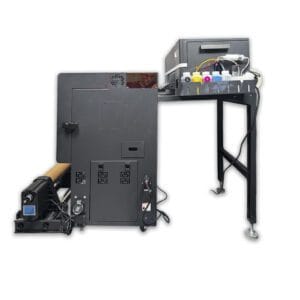
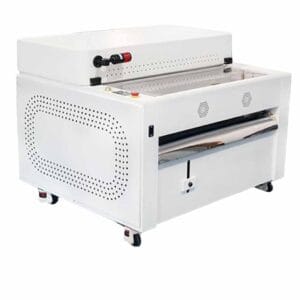
DTF Store Iris Compact Pro Vertical Shaker Printer Package
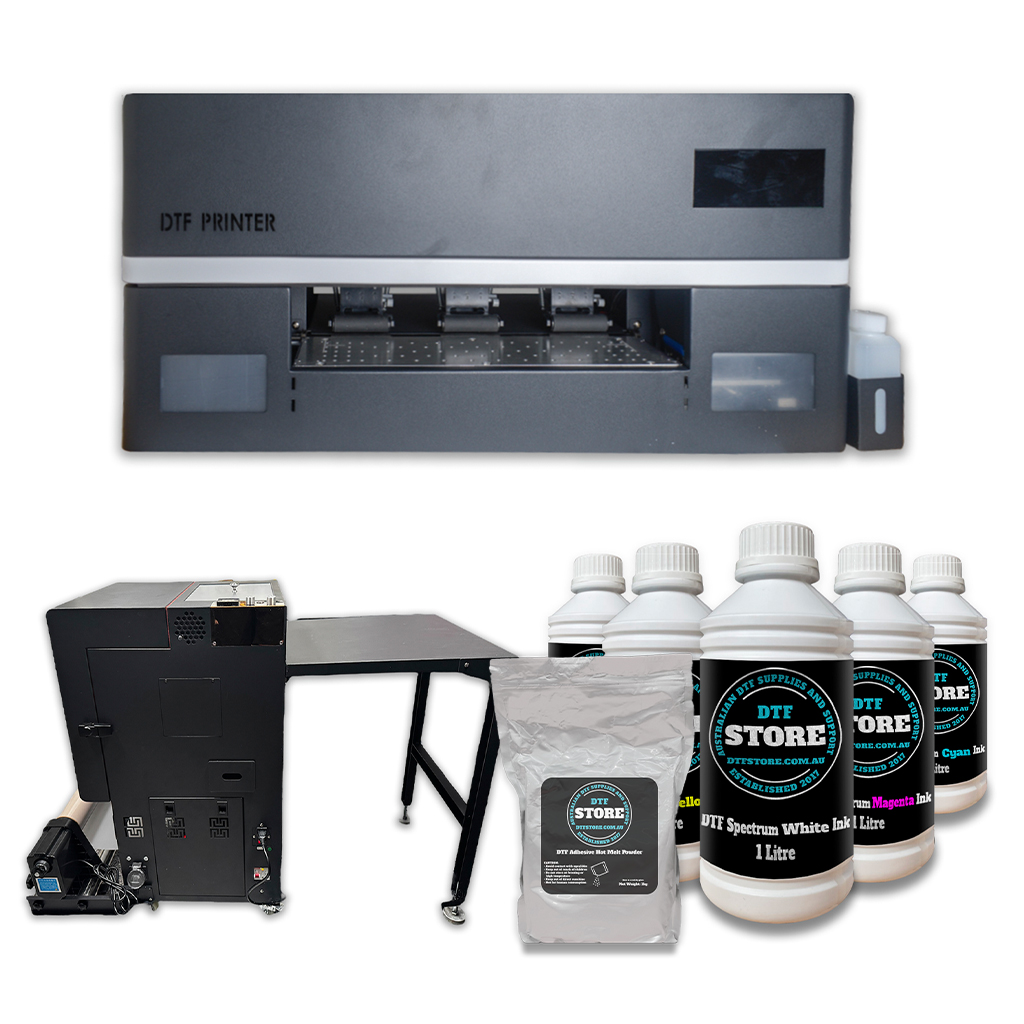
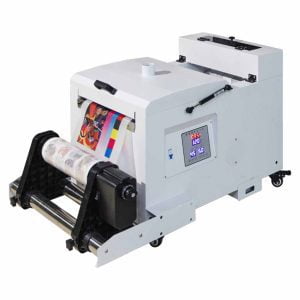
The DTF Store Iris Compact Pro Vertical Shaker Printer Package is a compact direct to film printer package designed for customers who want a more space-conscious batch-printing workflow. It combines the Iris Compact Pro printer with a vertical shaker and curing oven setup to help automate powdering and curing for roll-based DTF production.This package may suit small to medium clothing businesses, decorators, experienced hobbyists and apparel brands that want to move beyond manual desktop oven curing and into a more production-focused workflow, without taking up as much floor space as a horizontal shaker setup.The vertical shaker is best suited to batch printing where transfers remain in the roll workflow. Unlike a horizontal shaker/curing oven, a vertical setup is not designed for easily curing individual cut images separately. If you regularly want to cure single cut transfers after printing, the horizontal shaker package may be the more flexible option.This is still a DTF printer package, not a maintenance-free appliance. White ink management, film handling, adhesive powder, curing, print settings, humidity, regular use and cleaning all affect the final result. This package is best suited to customers with printing experience, or customers who are willing to learn and maintain the printer correctly.If you are currently ordering transfers and wondering whether owning a DTF printer makes sense, we recommend using our DTF Printer Cost Calculator before purchasing.Who This Vertical Shaker Package May Suit
This package may suit you if:- You want a more space-conscious DTF shaker and curing workflow.
- You plan to print in batches rather than cure one cut transfer at a time.
- You want automated powdering and curing as part of your DTF production process.
- You have limited workspace compared with a horizontal shaker setup.
- You have printing experience or are willing to learn the DTF workflow properly.
- You are prepared to clean, maintain and monitor the printer regularly.
- You understand that DTF printing involves ink, film, powder, curing and testing.
When Another Package May Be Better
Another setup may suit better if:- You regularly need to cure individual cut transfers separately.
- You want the flexibility to use the curing oven section independently.
- You only print very small amounts and prefer a hands-on desktop oven workflow.
- You need a horizontal production path for easier single-image curing.
- You only need occasional DTF transfers and outsourcing is still cheaper.
- You want a printer that can sit unused for long periods.
- You are not comfortable performing regular user maintenance.
Before buying, we recommend reading What is Direct to Film Printing?, DTF Printer Maintenance Requirements and Direct to Film Print Optimisation.
If you are unsure whether this package is cost effective for your current order volume, start with the DTF Printer Cost Calculator and compare your outsourced transfer spend against printer ownership, consumables and maintenance.
Vertical Shaker vs Horizontal Shaker vs Desktop Oven
Desktop Oven Package
A desktop oven package is best suited to smaller amounts of printing, test prints, urgent jobs and immediate pressing. It is the most hands-on option and works well when you want to print, cure and press in short sessions.Horizontal Shaker Package
A horizontal shaker package is better suited to customers who want both batch production and the flexibility to cure single cut transfers when needed. Because the curing path is horizontal, it can generally be used more flexibly than a vertical oven workflow.Vertical Shaker Package
A vertical shaker package is best suited to a roll-based batch workflow where space is important. It is a good option for customers who want automated powdering and curing in a smaller footprint, but it is not ideal if you regularly need to cure individual cut images separately.Iris Compact Pro Printer Features
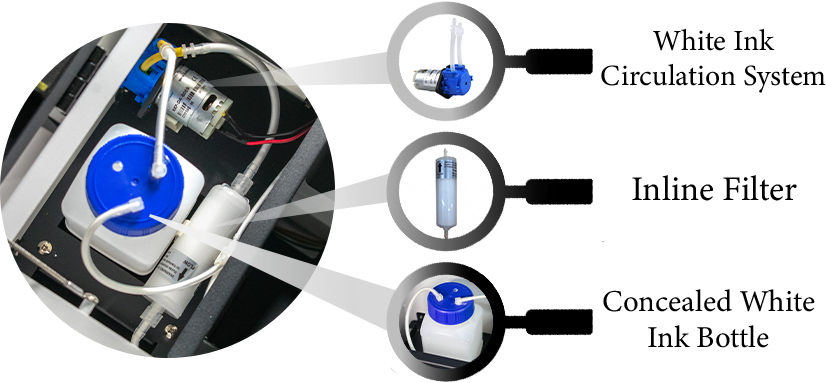
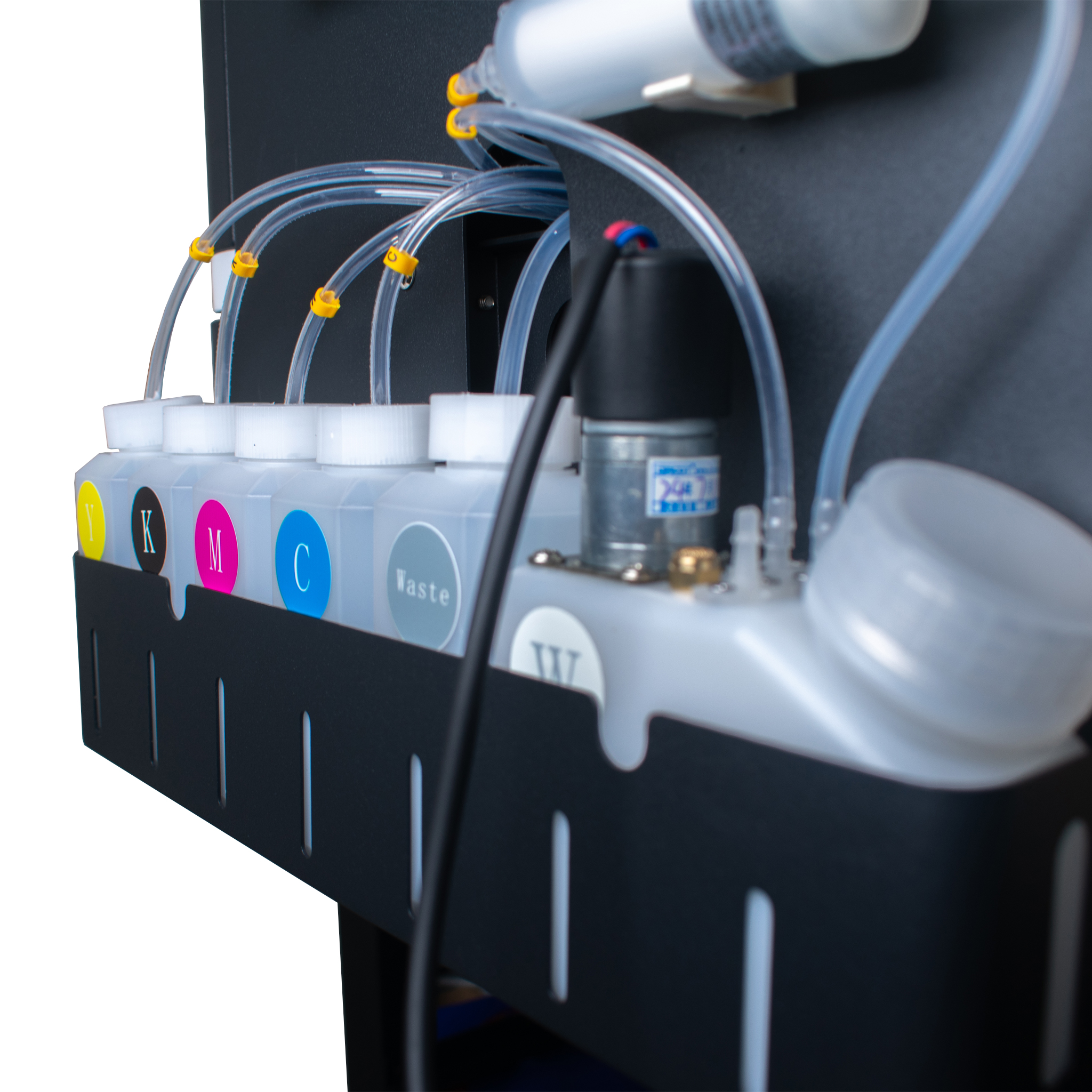
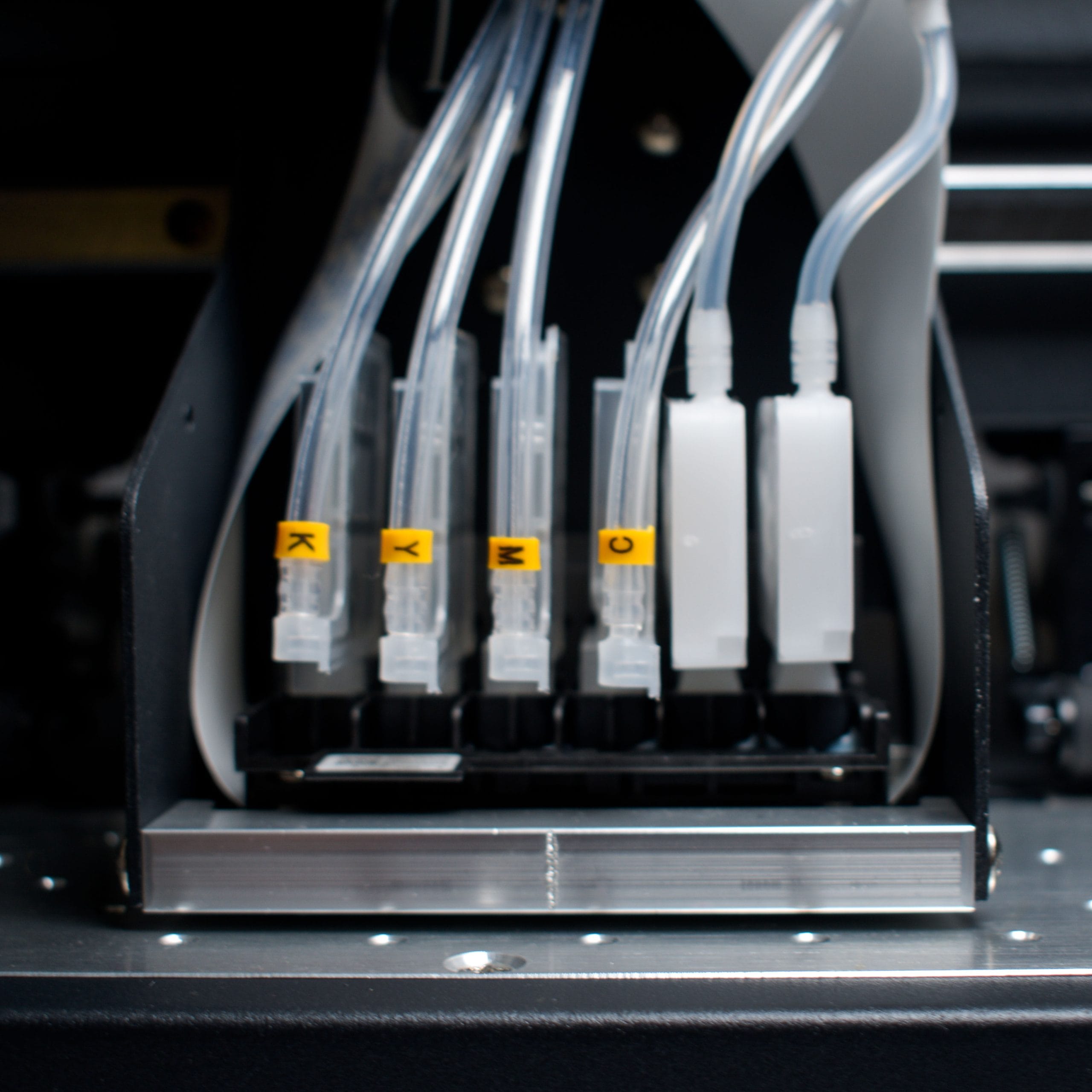
White Ink Management
The Iris Compact Pro includes ink management systems designed to help support the white ink workflow. These systems can help reduce settling and support smoother operation, but they do not remove the need for regular printer use, cleaning and maintenance. Correct operation and consistent maintenance remain essential with any DTF printer.Vacuum Print Bed
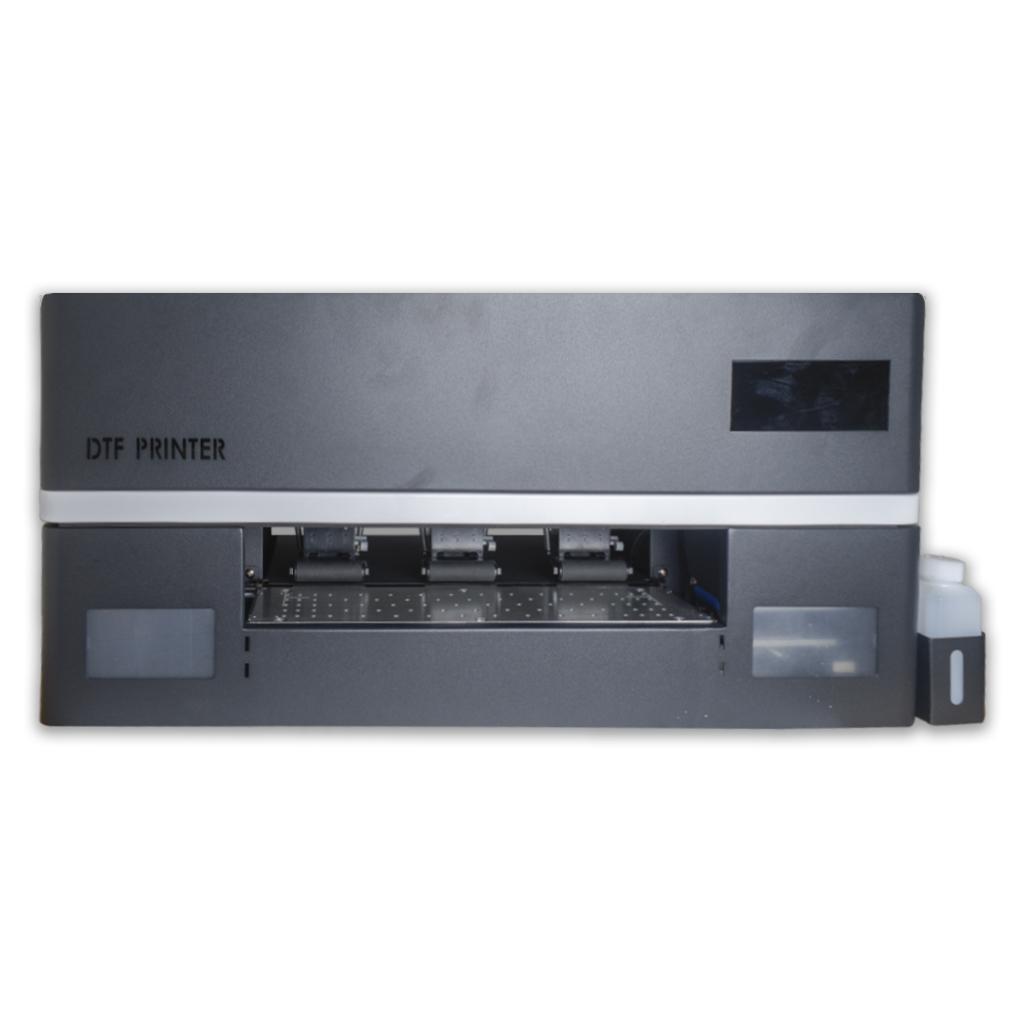
The Iris Compact Pro is equipped with vacuum fans underneath the print bed to help limit film lift and reduce the chance of head strikes. Film loading, media condition, bed setup and operator care are still important parts of the DTF workflow.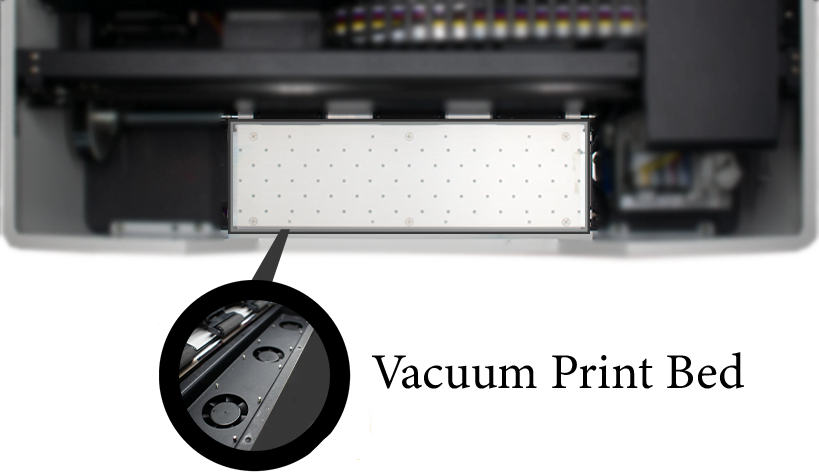
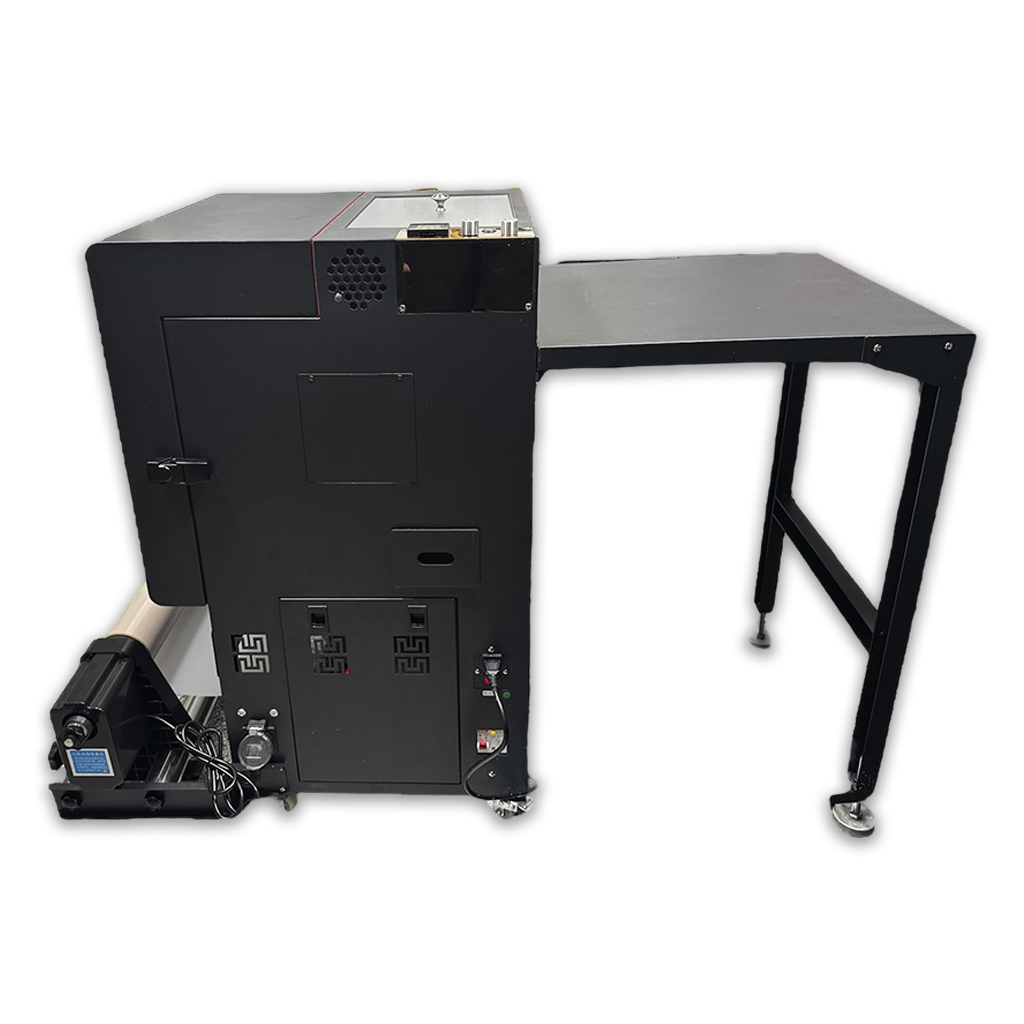
Vertical Shaker and Curing Workflow
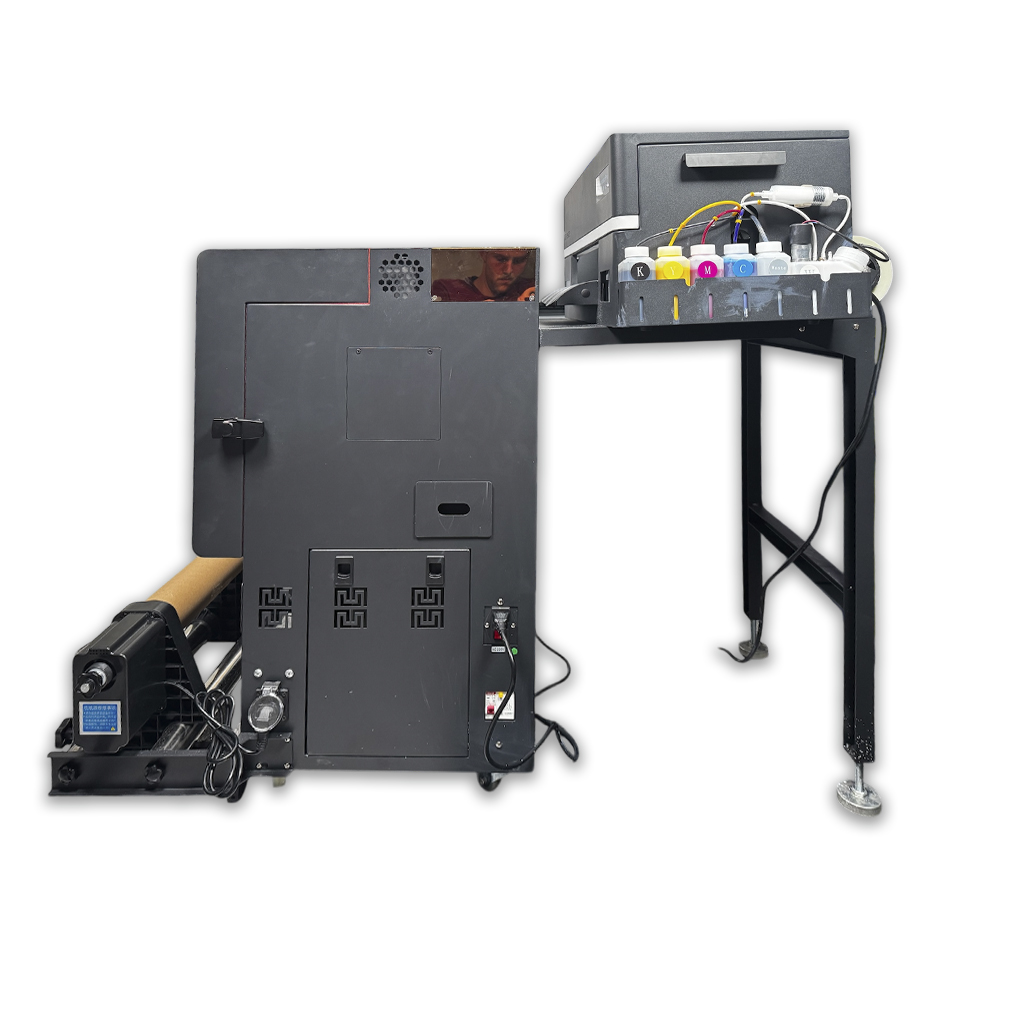
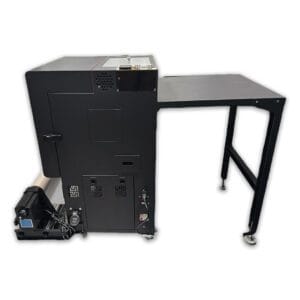
The included vertical shaker and curing oven is designed to help automate adhesive powder application and curing in a more space-conscious format. This can be useful for customers who want a production workflow but do not have room for a larger horizontal shaker setup.
For batch printing, the vertical shaker can help you move printed film through powdering and curing as part of a connected roll workflow. This is useful when producing multiple transfers, repeated artwork, customer jobs or stock designs where a continuous process is preferred.
The main limitation is single-image curing. A vertical oven workflow is not designed for easily curing individual cut transfers separately. If your workflow often involves cutting out one transfer and curing it by itself, the horizontal shaker package or desktop oven package may be a better fit.
A vertical shaker package is a good option for customers who want batch production in a smaller footprint, but it should be chosen with a clear understanding of how the curing path works and whether it suits your production style.
Print Modes and Production Workflow
The Iris Compact Pro is supplied with print modes for RIIN RIP Software. These modes give users a starting point for production, but artwork, media type, ink behaviour, environment and required quality level will all affect the final result.
720 x 720 DPI Production Print Mode — designed for practical day-to-day production where speed and efficiency are important while still maintaining a strong print result. This mode is generally better suited to regular logo, apparel and transfer work than high-detail photographic output.
720 x 1440 DPI High-Quality Print Mode — designed for higher quality work where detail, greyscale handling and precision are more important than speed. This mode may be better suited to artwork that needs additional care and testing before production.
Future print mode updates — DTF Store may continue to refine print modes and workflows over time. Customers should be prepared to test, optimise and adjust settings for their artwork, film and production requirements.
For more information on print quality and production setup, read our Direct to Film Print Optimisation article.
Maintenance, Warranty and Consumable Expectations
DTF printers require regular attention. This includes keeping the printer in a suitable environment, using compatible consumables, following setup instructions, performing regular user maintenance and ensuring the printer is used and checked often enough to support the ink system.Warranty and support expectations depend on correct use, correct setup, user maintenance and suitable consumables. Damage caused by unsuitable inks, fluids, parts, media, incorrect operation, poor storage, neglect or failure to perform maintenance may not be covered. Please read the DTF Store Warranty page and the product documentation before purchasing.For Epson printer products, Epson service terms also place importance on correct setup, correct user maintenance and genuine or approved consumables. The same principle should be applied to any DTF printer purchase: use the recommended consumables, follow the manual and maintain the printer properly.To understand what is involved before buying, please read DTF Printer Maintenance Requirements.Additional DTF Store Iris Compact Pro Printer Features

- Compact direct to film printer package
- Vertical shaker and curing oven included
- Space-conscious batch production workflow
- Best suited to roll-based batch curing rather than single cut image curing
- 12 month return-to-base warranty terms apply
- Online printer support during support hours
- Setup and user documentation included
- RIIN RIP Software and printer driver included
- Production and high-quality print modes included
- Designed for users willing to operate and maintain a DTF printer correctly
Product Contents
This package includes the printer, vertical shaker and curing oven, software and starter consumables listed below. Consumables are included to help customers begin with a more complete setup, but ongoing production will require replacement ink, film, powder and maintenance supplies.
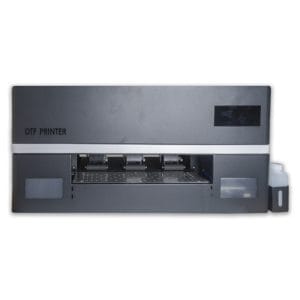
- DTF Iris Compact Pro Printer
- DTF Commercial Vertical Shaker & Curing Oven
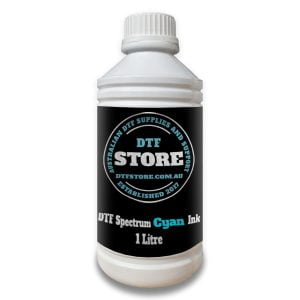
- 1L Spectrum Ink – Cyan
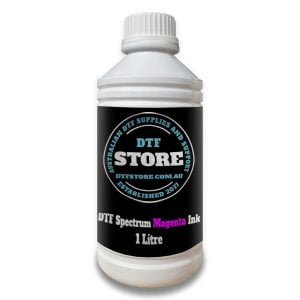
- 1L Spectrum Ink – Magenta
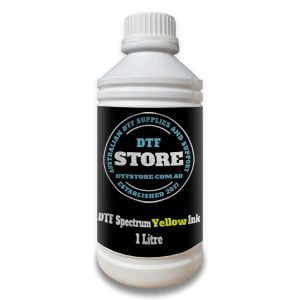
- 1L Spectrum Ink – Yellow
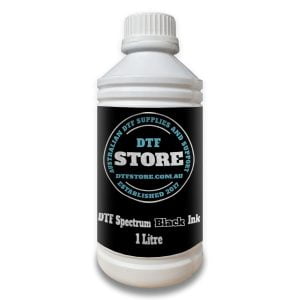
- 1L Spectrum Ink – Black
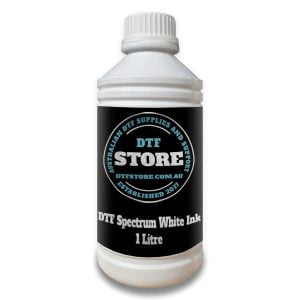
- 1L Spectrum Ink – White
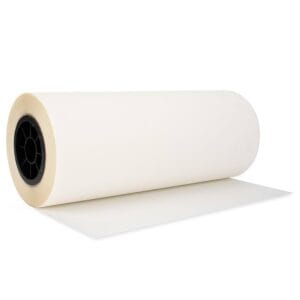
- 100m A3+ (330mm) PET Film Roll
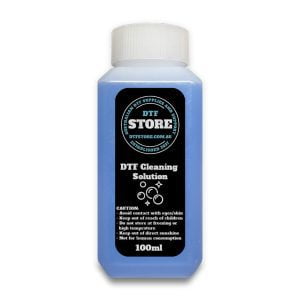
- 100ml DTF Cleaning Solution
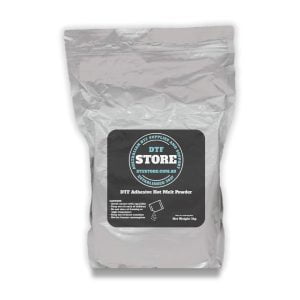
- 1kg White Adhesive Powder
- USB package with user manual, RIIN RIP Software, Honsonsoft configuration file, printer driver and test files


330mm, DTF Consumables, DTF DTG Consumables, DTF Film, Instant Peel
( quantity: Single Roll ) ( × 1 )
Ecolease Finance
This printer package may be available through Ecolease Finance, who provide finance solutions Australia-wide for printing partners. Finance may help businesses spread the cost of equipment while they grow their production volume.
Before applying for finance, we recommend using the DTF Printer Cost Calculator to consider whether printer ownership may be cost effective for your current order volume.
To learn more about Ecolease Finance or make an application click here.
Dimensions
Shipping Dimensions
Parcel 1: DTF Iris Compact Pro Printer
Parcel 2: Shaker & Curing Oven – 58cm W x 66cm H x 110cm
Parcel 3: Consumables – 42cm x 30cm x 20cm
Product Dimensions
Printer: 75cm L x 60cm W x 30cm H, or approximately 70cm high with the lid open.
Curing Oven: 130cm L x 61cm W x 90cm H.
Weight
Shipping Weights
Parcel 2 (Shaker & Curing Oven): approximately 65kg.
Parcel 3 (Consumables & Software): approximately 10kg.
Product Weight
Shaker & Curing Oven: approximately 65kg.
Ordering Process
Add the printer package to cart and proceed to checkout. Once your delivery details are entered, available shipping options will be displayed. Please review your order, freight details and product suitability before completing payment.
Delivery
We will fulfil your order as soon as possible and provide tracking information once your order has been dispatched or prepared for collection by the selected freight method.
Printer package dispatch and freight timing may vary depending on stock, preparation, packaging and carrier availability. Once an order has been collected by the carrier, tracking updates are controlled by the freight provider.
For more information see our shipping policy.
Anonymous (verified owner) –
We print in big runs as a printing service, so this was great for us